Every prompt,
a whole production.
Click one idea together and GoldenPrompts gives you hooks, a shooting script, captions, image and video prompts, and a month of posts. Adapted to supported AI models.
24 hours of everything free · No card · 80+ modules · 4 languages
The hardest part was never the AI. It was knowing what to make.
A blinking prompt box doesn't help. A studio that hands you the idea, the words and the shot list does.
Pick the room. It already knows the craft.
Each atelier is a specialist — the right modules, the right vocabulary, the right models — so you click choices, not syntax.
Build your own AI model
Identity, campaign, your GPU — download a personalized script pack with Face Lock, a ChatGPT/Claude brief and a hook + caption for every photo. Try it in your 24h trial — the guides and the AI scripts in them are free forever.

Social content kits
One idea, then hooks, script, captions, a live phone preview and a month-long posting plan. Now with Brand-Voice DNA and a viral checklist.
One idea to a whole film
Turn a spark into a numbered, timed shot list.
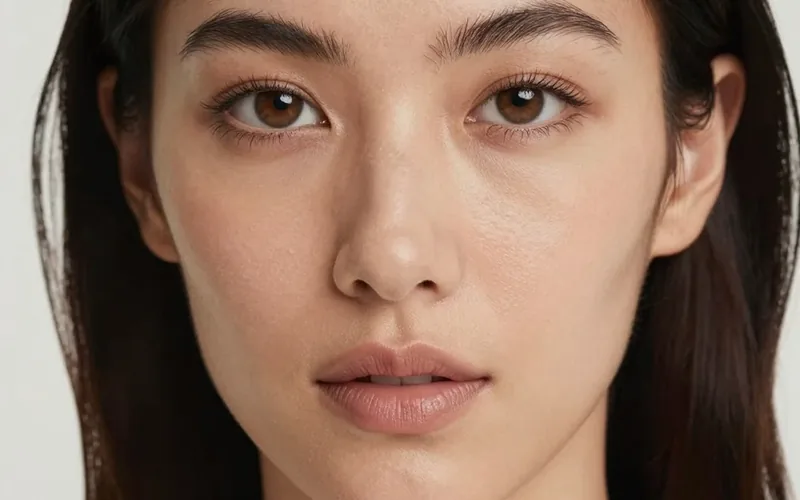
Photoreal people & portraits
Editorial, fashion, studio and lifestyle. Bring a reference photo or build a face from scratch, consistent across every frame.
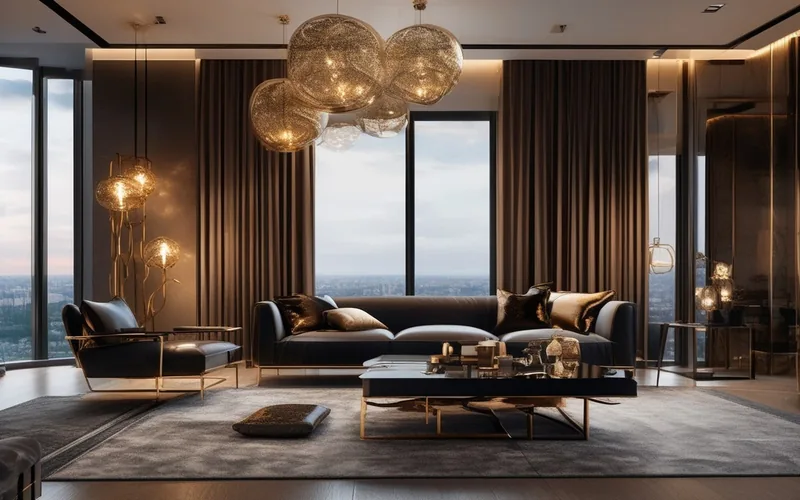
Real estate that sells
Listing photos, staging, twilight exteriors.
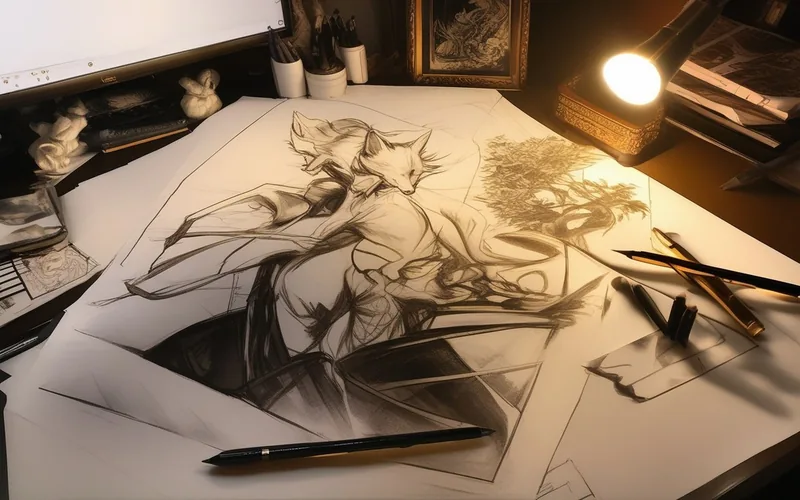
Anime & 3D characters
One hero, consistent across a whole series.
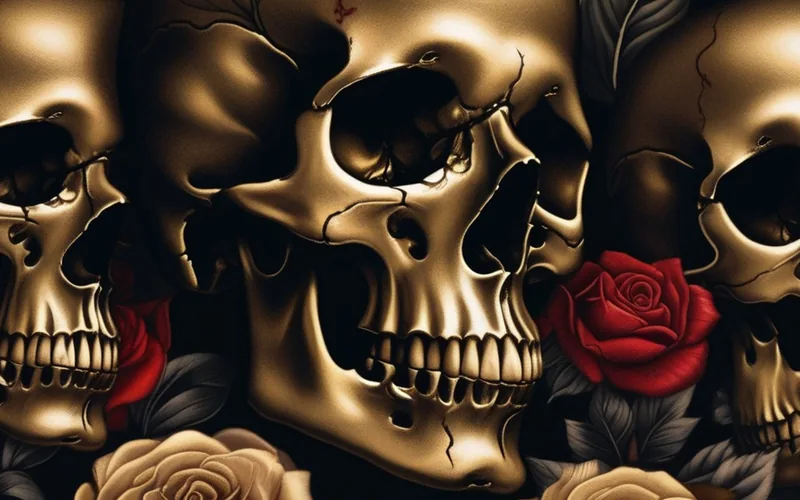
Design your tattoo in clicks
103 body zones, 195 styles and 573 motifs with the Tattoo Artist's Advice built in — export a clean design or stencil for your artist, or preview it right on skin.
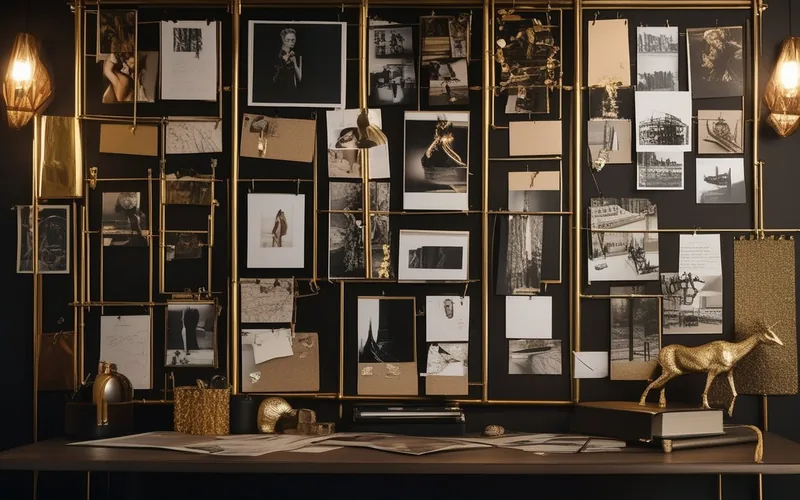
One prompt, the whole post.
Three hooks, not one
Distinct openers for the first 1-3 seconds. Pick the strongest or A/B test them.
A shoot-ready script
Slide-by-slide copy or timed video beats. Read it, film it, no rewriting.
Caption & smart hashtags
Matched to your tone and tuned to the niche and platform, not generic filler.
Image & video prompts
Concrete lens, light and film-stock language, model-aware for Midjourney, Veo, Kling and more.
A posting plan
A week or month with suggested times to test, exportable to your calendar.
Built for the post-AI-slop internet.
The tools that make your output look made, not generated, and get it out the door on time.
Brand-Voice DNA
Set your voice once and every hook, caption and script runs through it, stripping AI-slop phrases so it sounds like you, not a robot.
Content plan calendar
Drop kits onto a week or month, multiple posts a day, exact times, then export to Google or Apple Calendar.
Viral readiness score
A 7-point checklist helps you review each idea before posting. It is a planning aid, not a prediction of reach or virality.
Multi-shot video prompts
One idea becomes a numbered, timed shot list with voiceover, paste-ready for Veo 3.1, Kling and Runway.
Character consistency
Repeated character details and a 360° reference sheet help maintain the face and outfit across a series. Review each generated result.
Command palette & keyboard
Jump to any option, undo anything, run any action from the keyboard, the studio moves at the speed you think.
From nothing to a finished kit in about a minute.
Pick a room
Choose the atelier for what you're making, or type one sentence and let it set itself up.
Click it together
Platform, niche, hook, look, tone. Watch the live preview build as you go.
Copy the kit
Hooks, script, captions, image & video prompts, all ready to paste into any AI model.
Plan the month
Save your best ideas and drop them onto the calendar. Ship consistently.
If you have to feed the feed, this is your studio.
Free guides & tutorials
New to AI images?
💎 Highlighted guides = know-how people pay hundreds for elsewhere. Free here — and it will level up your work.
The short answers.
Do I need to know how to prompt?+
No, that's the point. You click choices — platform, niche, look, tone — and GoldenPrompts writes the prompt (and the whole kit) for you. Every option has a plain-language explainer, and a first-run guide walks you through it.
Which AI models does it work with?+
All the major ones. The prompts are written to be model-aware — Midjourney, Flux, Nano Banana, GPT Image, Imagen, Seedream for images; Veo 3.1, Kling, Runway, Seedance, Hailuo, Luma for video. Copy the kit and paste it anywhere.
What exactly do I get from one idea?+
A full content kit: three hooks, a shoot-ready script or timed video beats, a tone-matched caption with niche hashtags, image and video prompts, a viral-readiness score, and a posting plan you can drop on a calendar.
Is it really free to start?+
Yes — sign up and you get 24 hours of everything free: full access to all 8 ateliers, no card required. After that you can choose a paid plan; every paid plan unlocks all eight ateliers.
Will my content look AI-generated?+
Brand-Voice DNA helps reduce tell-tale AI phrasing and match your register. The prompts favor authentic, concrete detail over buzzword spam, helping the output feel more considered and on-brand.
How do I choose a tattoo I won't regret?+
Start from placement (pain*, healing*, visibility), then style and motif — with Artist's advice* at every step. Tattoo Atelier walks you through 103 body zones, 195 styles and 573 motifs and scores each combination like an experienced artist would*. Preview the idea on skin or download a clean design or stencil for your artist. *General creative and planning guidance: pain, healing and individual results vary. Verify the final design, placement and aftercare with a qualified tattoo artist; ask a doctor about health concerns.
Earn 25% recommending what you already use.
Share GoldenPrompts with your link and earn a 25% commission on every plan your audience buys, including recurring subscription payments.
One idea is all it takes.
The studio does the rest.
Build your first content kit free, no card, ready in a minute.